01
Cut with words.
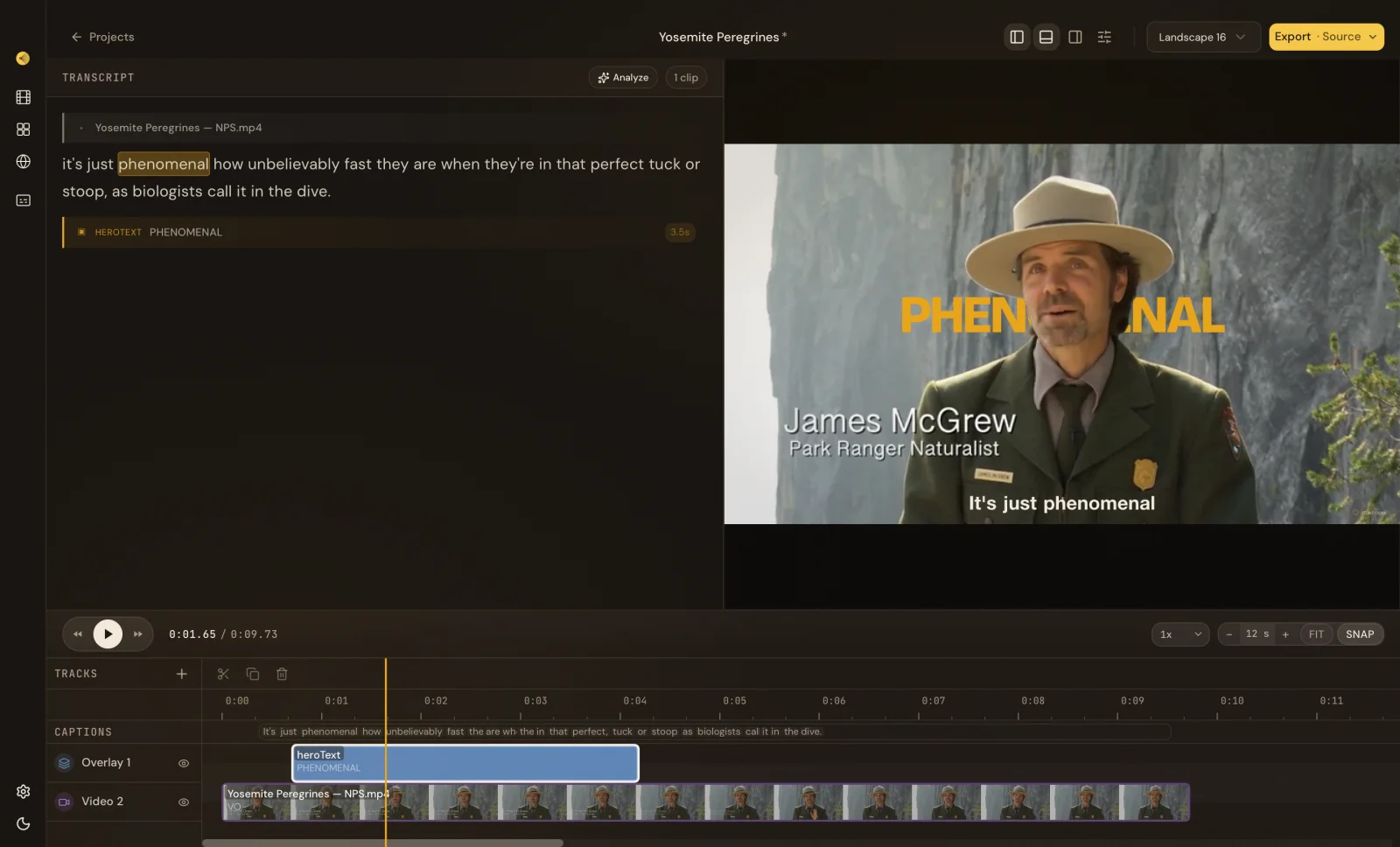
Import your footage and transcribe it on your machine. Select a spoken phrase to cut the matching clip while the transcript and timeline stay in sync.
Free local video editor · macOS and Windows
Import footage, transcribe it, cut from the transcript, and export your video. Local editing runs on your machine, with no footage upload required.
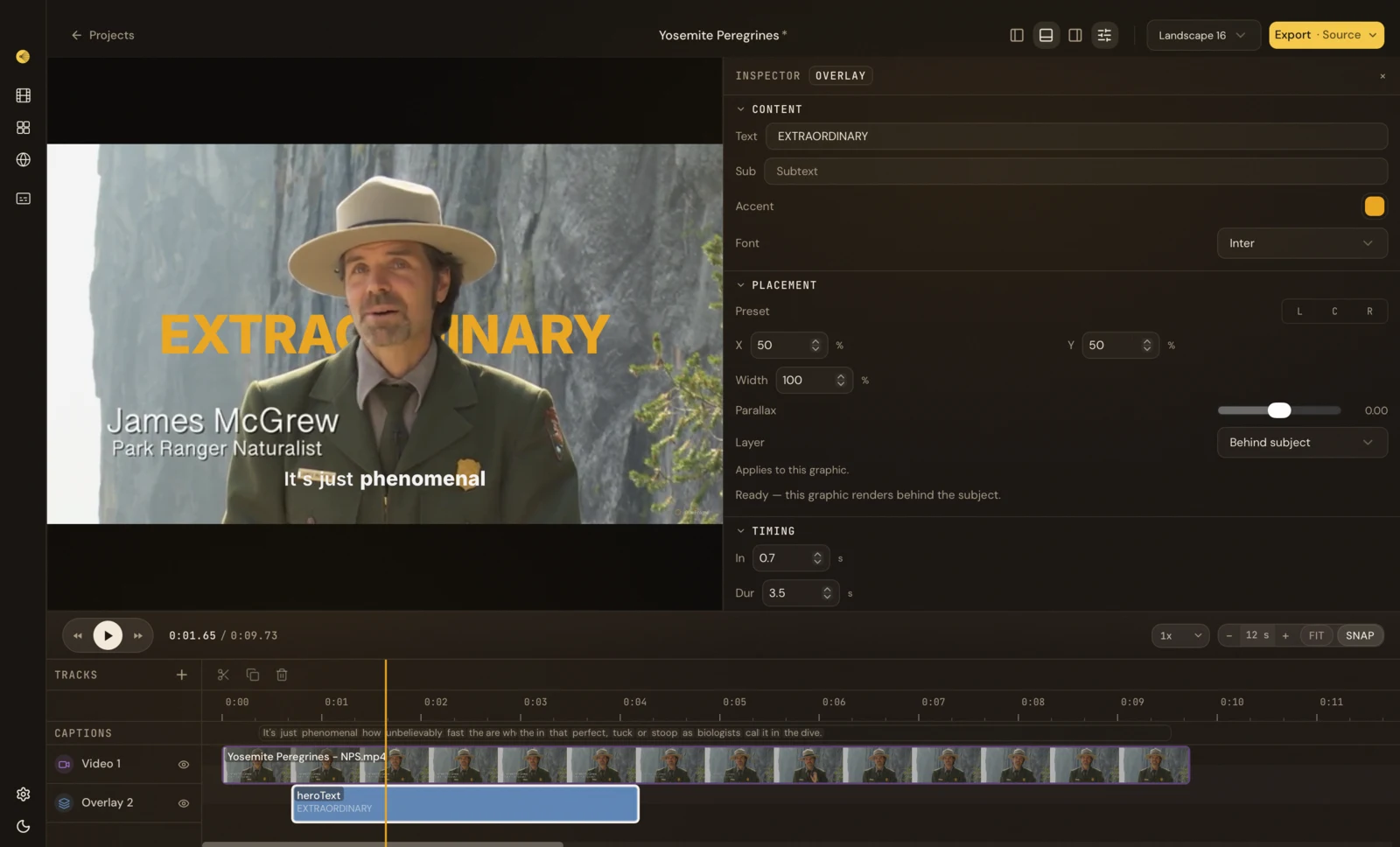
Work directly with the transcript and timeline, or ask the built-in Director to help with a change. Both keep the project editable.
Import your footage and transcribe it on your machine. Select a spoken phrase to cut the matching clip while the transcript and timeline stay in sync.
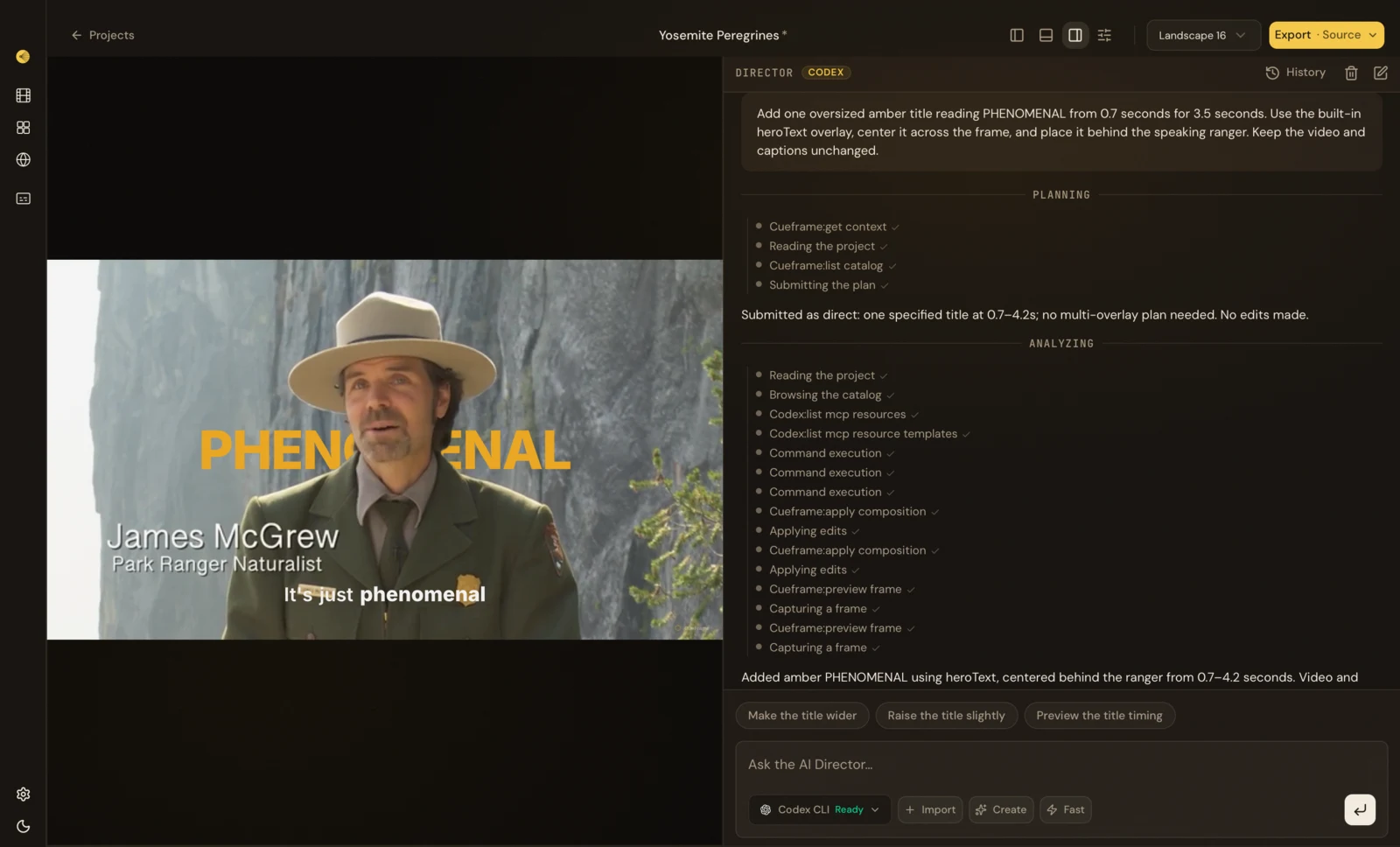
Ask the AI Director in plain language. It reads the composition, makes the patch, and reviews real rendered frames before suggesting what comes next.
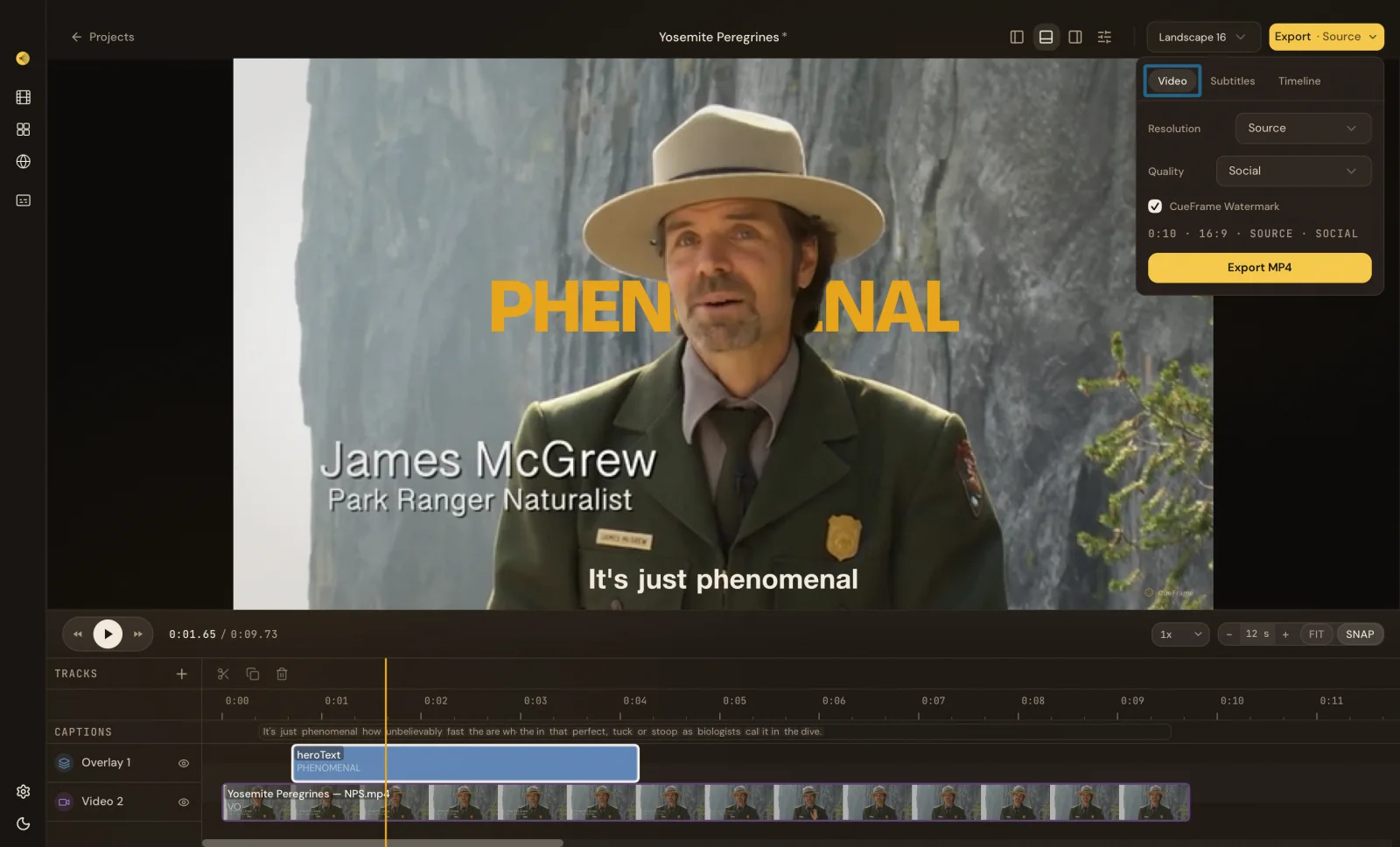
Keep your media local, add captions and titles, then export a finished video or a timeline for another editor.
Preview and transcribe footage on your machine. Local projects are not uploaded.
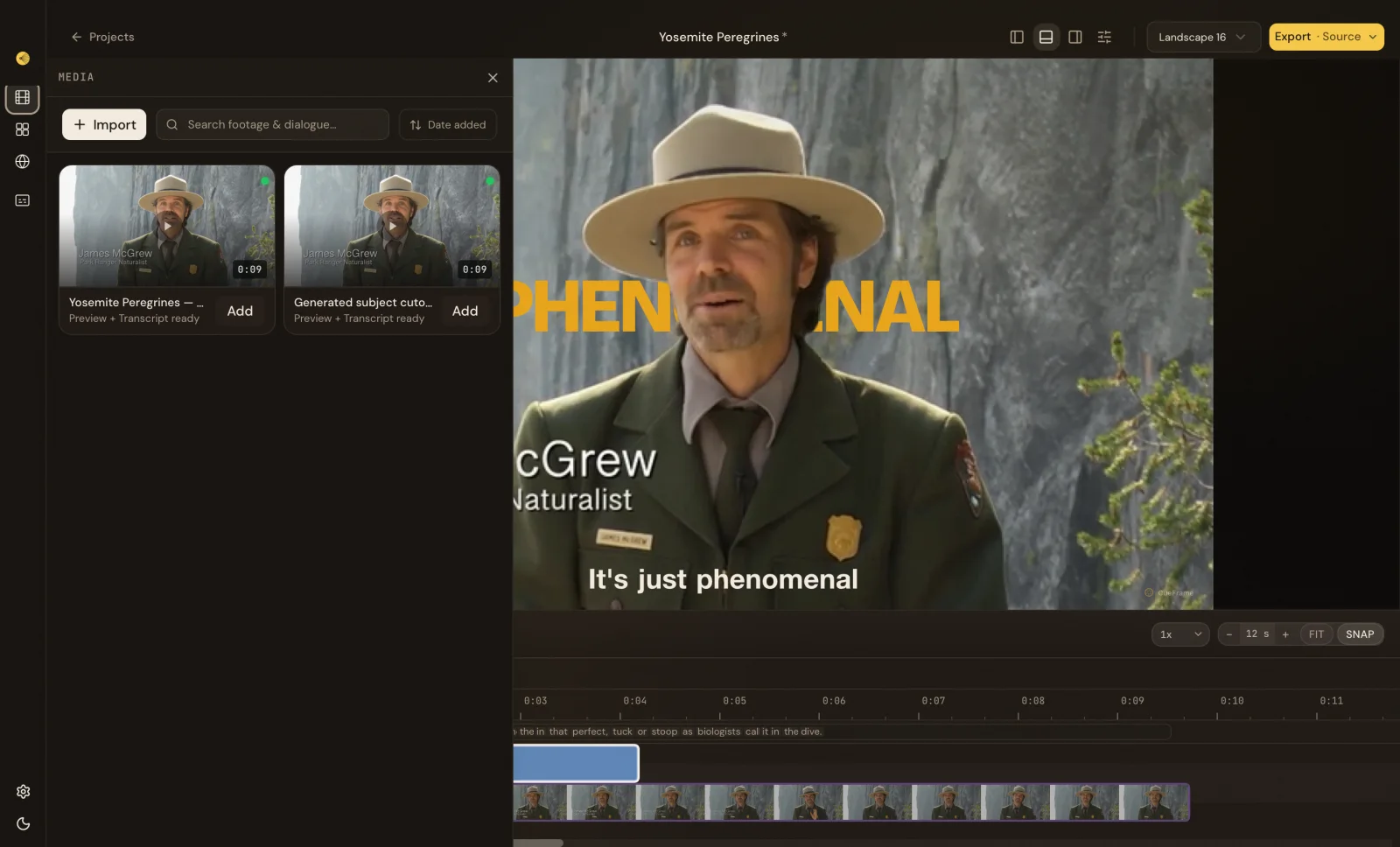
Caption timing comes from the transcript, so each word lands when it is spoken.
Adjust the text, placement, and timing of motion titles and lower thirds in your project.
Export MP4, subtitles, EDL, or FCPXML for Premiere, Final Cut, and Resolve.
Open its CueFrame project in the desktop editor and keep refining the same layers and timeline. MCP and API cloud workflows are optional paid services; the local editor stays free.
Explore MCP and API workflowsDownload the free editor, import a clip, and make your first cut locally.